How to find your PIN
- Visit tsw.govt.nz using Microsoft Edge, Mozilla Firefox or Google Chrome.
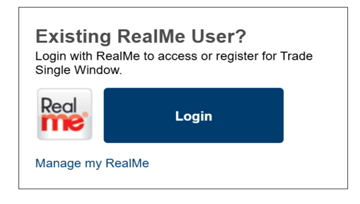
- Log in to TSW using your existing RealMe account login details.
- On the TSW home page, scroll down until you see My Client Types.
- Select Menu.
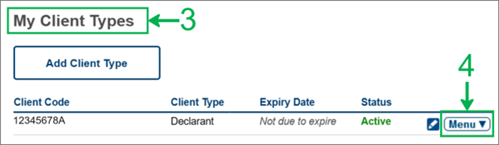
- Select Manage My Pin from the menu options.
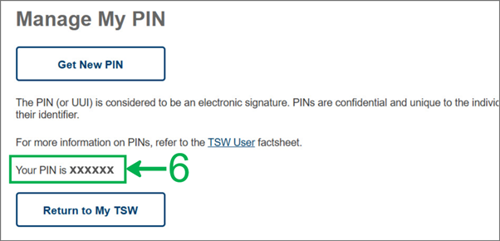
- Your PIN is displayed on the Manage My PIN page.
How to reset your PIN
If you need to reset your PIN:
- follow the steps to find your PIN
- select the Get New PIN button on the Manage My PIN page.
This will automatically replace your existing PIN with a new one. The new PIN will be displayed further down on that page.